📘 Battleship AI Hackathon Documentation
Everything you need to know to compete and win!
Deadline: January 10th, 2026 at 15:00 UTC
🎯 Overview
Welcome to the Battleship AI Hackathon! This is a competitive coding challenge where developers build bots to play Battleship as efficiently as possible. Your goal is simple: find all ships in the fewest moves across 20 rounds.
The player with the lowest total move count wins. Strategy, optimization, and clever algorithms are key to success!
🏆 Prizes
$200 USD
+ Exclusive Hoodie ⭐
+ Exclusive Drinking Bottle 🏆
$100 USD
+ Exclusive Hoodie ⭐
$50 USD
Exclusive Hackathon
Sticker Swags 🎨
🚢 What is Battleship?
Battleship is a classic strategy game where players try to locate and "sink" hidden ships on a grid. In this hackathon:
- Grid Size: 10x10 board
- Ships: 4 ships with lengths [2, 3, 4, 5]
- Goal: Find all ship positions by calling coordinates
- Hit: When you call a coordinate with a ship, you get the ship's length as the response
- Miss: When you call an empty coordinate, you get 0 as the response
🚀 Getting Started
Step 1: Create an Account
Navigate to the Sign Up page and create your account. You'll receive a unique secret_key that authenticates your bot.
Step 2: Access Your Credentials
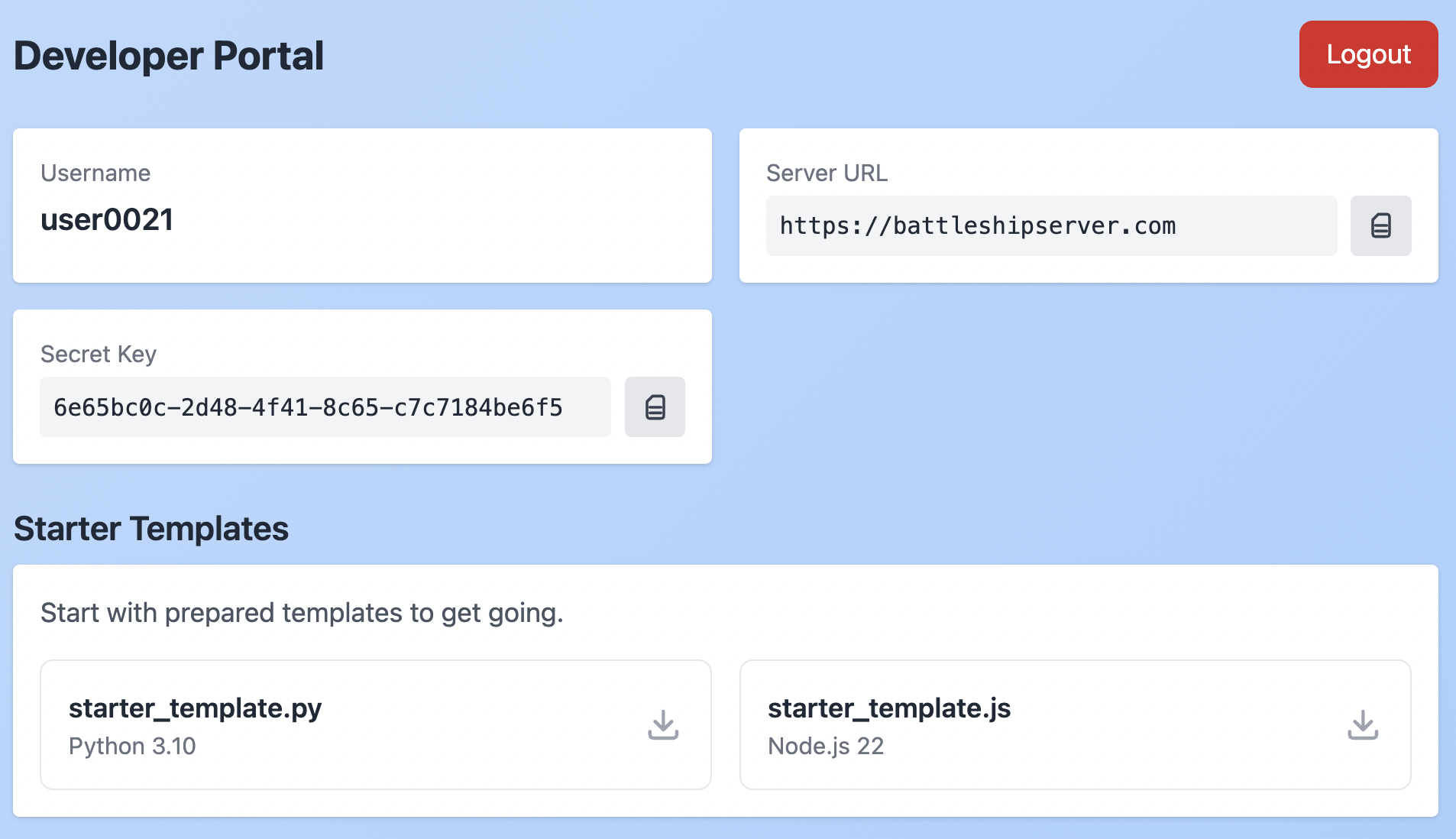
Once logged in, go to the Developer Portal. Here you'll find:
- Username: Your account username
- Server URL: The WebSocket server endpoint
- Secret Key: Your unique authentication key (keep this private!)
Step 3: Try the Sandbox
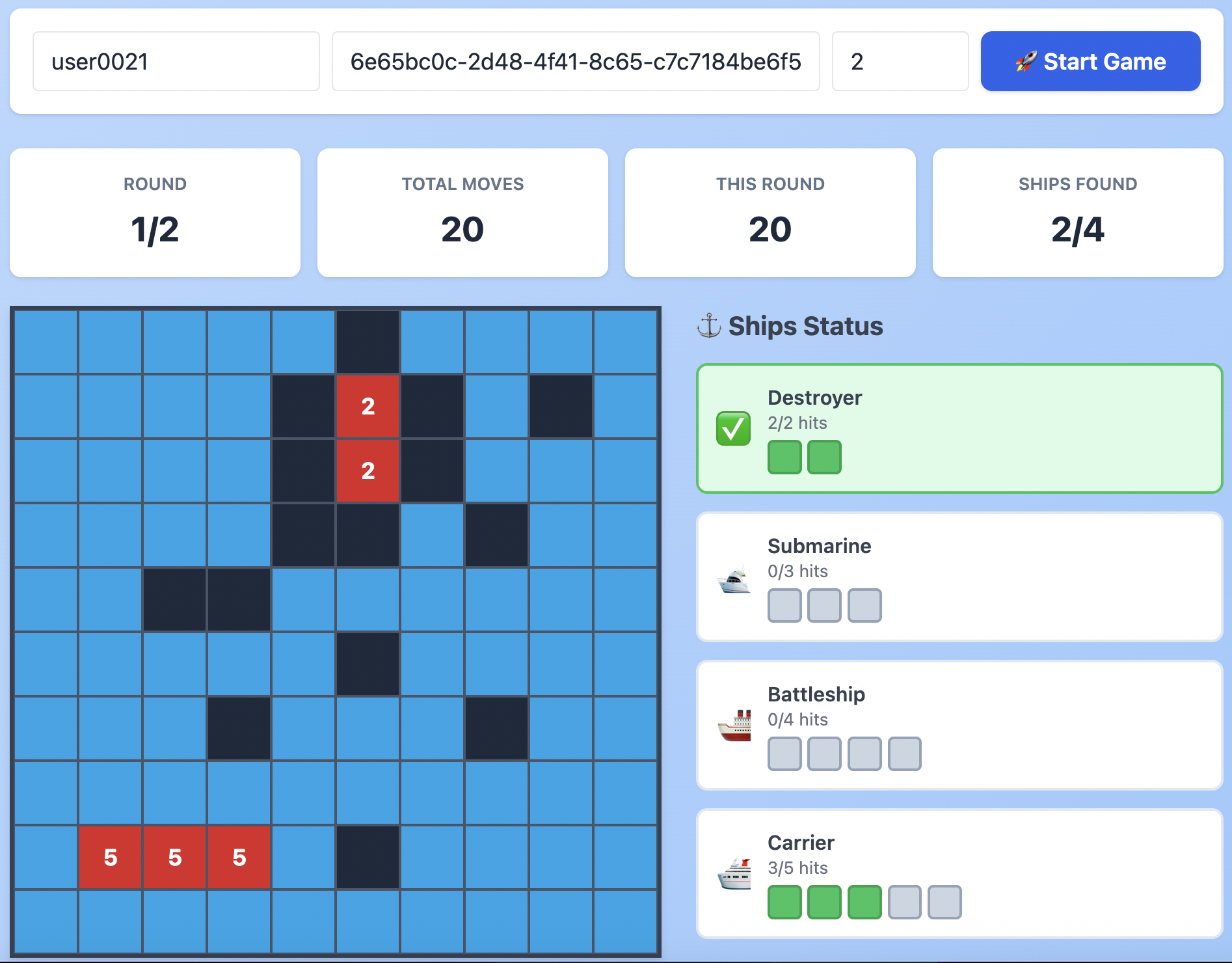
Head to the Sandbox to play manually and understand the game mechanics. Use your credentials to start a game with 1-2 rounds:
- Enter your username and secret_key
- Set rounds to 2 for testing
- Click "Start Game" and play by clicking cells
- Observe how hits (red) and misses (black) work
- Watch the ship tracker on the right to see progress
🤖 Building Your Bot
Step 1: Download Starter Template
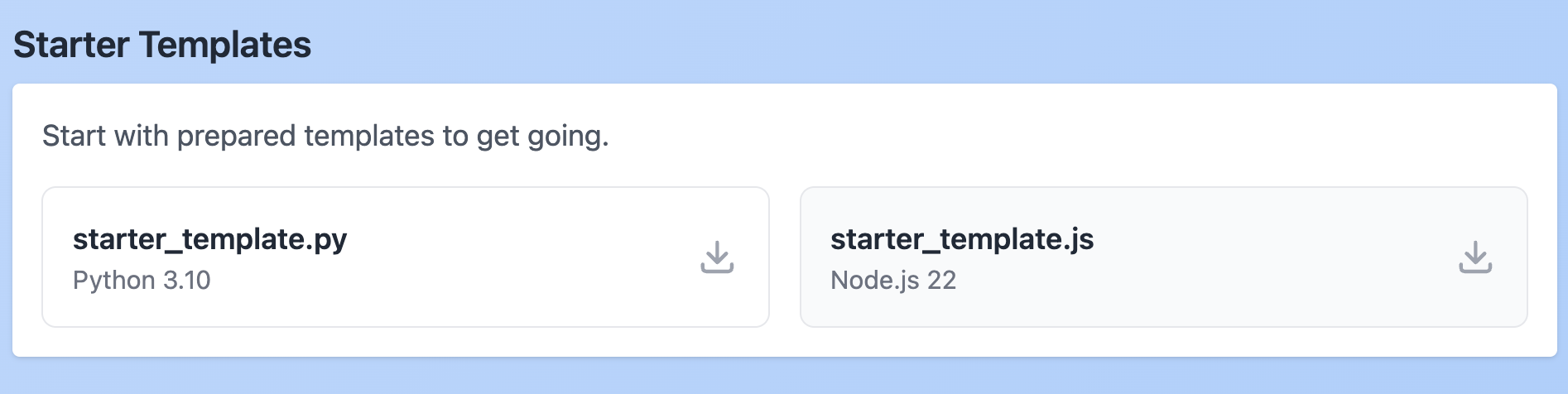
From your Developer Portal, download either:
- starter_template.py - Python implementation
- starter_template.js - Node.js implementation
Step 2: Configure Your Bot
Open the template file and replace the placeholder values:
Step 3: Install Dependencies
For Python:
For Node.js:
Step 4: Understand the Game Flow
Your bot communicates via WebSocket events:
1️⃣ Connect & Start Game
2️⃣ Receive Game Started
3️⃣ Receive New Round
4️⃣ Play Coordinates
5️⃣ Receive Round Result
6️⃣ Round Ends
When you've found all ship positions, round_finished: true is returned. The server automatically starts the next round until all rounds are complete.
7️⃣ Game Finished
👀 Testing with Spectator Mode
You can watch your bot play in real-time using the Sandbox! This is incredibly helpful for debugging and understanding your strategy.
How to Enable Spectator Mode:
- Open the Sandbox in your browser
- Look at the game log - you'll see your Session ID displayed with a copy button
- Click the copy button to copy your Session ID (e.g., i8DuZfq3lOj0sH2PAAAD)
- In your bot code, add it to the GUESTS array:
- Add a delay between moves so you can see what's happening:
- Simply run your bot script
- The Sandbox will receive live updates as your bot plays! Watch the board light up with hits and misses in real-time 🎉
📊 Submitting to Leaderboard
Testing Phase (1-10 rounds)
Test your bot with fewer rounds first. Check the leaderboard for 1, 2, 5, or 10 round brackets to see how you compare!
Final Submission (20 rounds)
When you're confident in your strategy:
- Remove the GUESTS array (no spectators needed)
- Remove any delays you added for testing
- Set ROUNDS = 20
- Run your bot!
Your submission is automatically saved and appears on the leaderboard. You can submit as many times as you want - only your best (lowest) score is displayed.
📈 Tracking Your Progress
Visit your Developer Portal to see all your submissions:
- Submission date and time
- Number of rounds played
- Total moves (score)
- Average moves per round
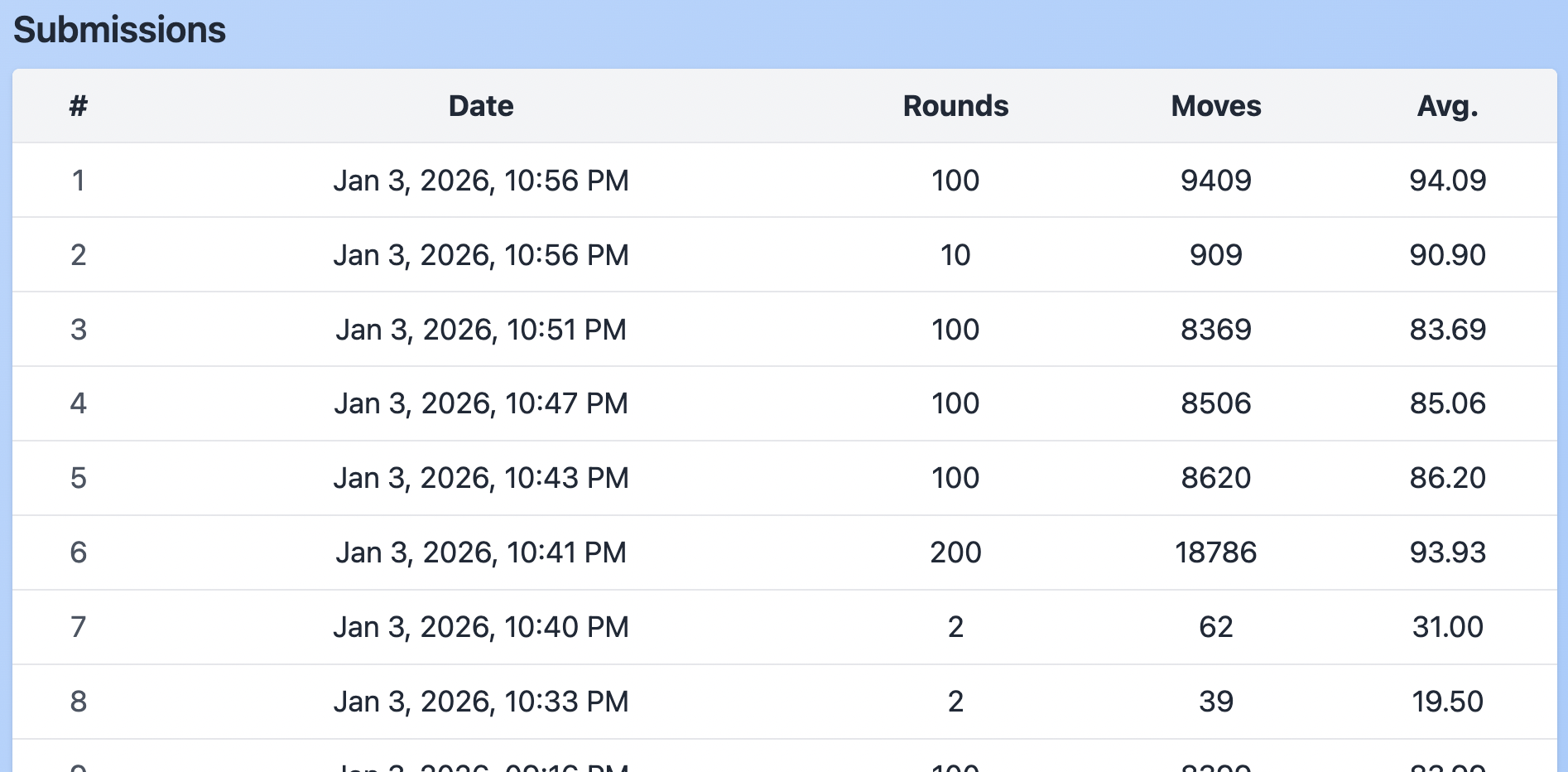
Keep an eye on the Leaderboard to see how you rank!
💬 Community & Support
Join our Telegram community to ask questions, share strategies, and connect with other participants!
❓ FAQ
Yes! Submit as many times as you want. Only your best score appears on the leaderboard.
The submission with the lowest total moves across all rounds.
Absolutely! Since bots run on your machine, use any tools you want.
No hard limits, but play fair. Excessive abuse may be flagged.
Report it in the Telegram community or contact the organizers.
Yes, but prizes are per account. Coordinate as you see fit!
Network latency is expected! Each move requires a round-trip to the server (~200-500ms depending on your location). A 20-round game with ~25 moves per round takes 2-5 minutes. This affects everyone equally, so focus on minimizing your move count, not execution speed. Your algorithm efficiency (fewer moves) matters more than network speed!
Note: If the server is particularly slow or unresponsive, it might be handling multiple submissions at once. Try again in a few minutes during off-peak hours for better performance.
Due to network limitations beyond our control (high latency, unstable connections), brief disconnections may occur during long game sessions. Don't worry! The starter templates include automatic reconnection logic that will:
- Automatically attempt to reconnect (up to 5 tries)
- Continue your game from where it left off
- Preserve your game state and session
This is especially useful for longer games. If you see "Disconnected from server (will attempt to reconnect...)" in your bot logs, the reconnection is happening automatically - no action needed!